MOS SPECIALIST
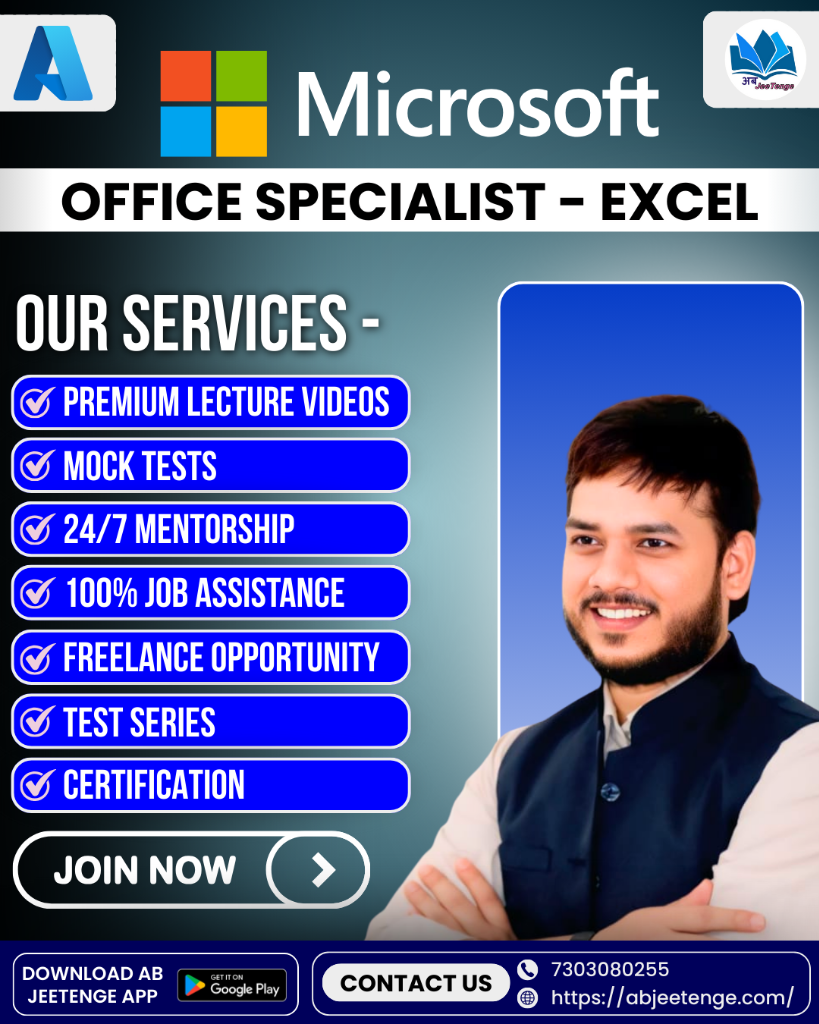
Master MOS — Excel
Core Microsoft Office Specialist certification for spreadsheet creation, formulas, functions, and charting.
Live Hands-on Project Labs with Real Client Scenarios
Official Certification Exam Preparation & Study Guides
1-on-1 Dedicated Code Review & Expert Mentorship
Special Certification Pricing
₹10,499
₹14,499
28% OFF
Enroll In Course Now
Call Advisor: 7303080255
This Course Includes:
- Self-Paced / 22 Hours + MOS Prep Certification Live & On-demand
- Real-world Enterprise Project Repositories
- Lifetime Access to Class Recordings
- Official Global Certificate of Completion
- 100% Guaranteed Job Placement Assistance
- Access on Mobile, Tablet & Desktop
100% Career & Satisfaction Guarantee
Course Overview & Learning Objectives
Master core Excel spreadsheet skills: VLOOKUP, IF statements, conditional formatting, basic charts, data sorting/filtering, and workbook management.
Industry Certification
Globally Recognized
Live Client Projects
Hands-on Labs
Placement Support
400+ Hiring Partners
Lifetime Access
Recordings & Assets
Curriculum & Detailed Syllabus
Structured module-by-module learning roadmap tailored specifically for MOS — Excel.
- Introduction & Architectural Foundation of MOS — Excel
- Setting up Enterprise Development Tenant & Environment for MOS — Excel
- Core Schemas, Protocols & Configs in MOS — Excel
- Security & Access Control Best Practices for MOS — Excel
- Building Custom Data Models & Entities in MOS — Excel
- Automating Business Logic & Workflows in MOS — Excel
- Configuring Role-Based Security & Permissions in MOS — Excel
- API Endpoints & Integration Scenarios for MOS — Excel
- Writing Custom Extensions, Plugins & Scripts for MOS — Excel
- Troubleshooting, Diagnostics & Performance Tuning in MOS — Excel
- Building Enterprise Reporting Dashboards for MOS — Excel
- Handling Production Edge Cases & Scaling MOS — Excel
- End-to-End Live Client Project on MOS — Excel
- Official MOS — Excel Exam Pattern, Question Dumps & Practice Tests
- Resume Optimization & Mock Technical Interviews for MOS — Excel Roles
- Direct Placement Referrals to Partner Companies
Who Is This Course For?
- Fresh Graduates aiming for top IT & Cloud jobs
- Non-IT Professionals switching to Developer roles
- Developers preparing for MOS — Excel exam
- Tech enthusiasts seeking hands-on project portfolio
Prerequisites & Requirements
- Basic computer operation & internet literacy
- No prior advanced coding experience mandatory
- Passion to learn & dedicate 5-8 hours weekly
- Laptop/PC with standard web browser & internet
Career Opportunities & Target Roles
Completing MOS — Excel unlocks high-paying job opportunities across global IT companies:
MOS — Excel Developer
MOS — Excel Specialist
Microsoft Consultant
Enterprise Solutions Architect
Frequently Asked Questions
Is this course on MOS — Excel suitable for beginners with no prior experience?
Yes! The curriculum for MOS — Excel starts from fundamental basics before diving into advanced hands-on enterprise projects.
What key skills will I master in MOS — Excel?
You will master end-to-end practical development, configuration, debugging, and live client project execution for MOS — Excel.
Will I receive official certification guidance for MOS — Excel?
Yes! You get dedicated preparation for official MOS — Excel certification exams along with practice dumps and mock tests.
What career opportunities open up after completing MOS — Excel?
Completing MOS — Excel prepares you for in-demand roles like MOS — Excel Specialist, Developer, Consultant, and Systems Architect.